
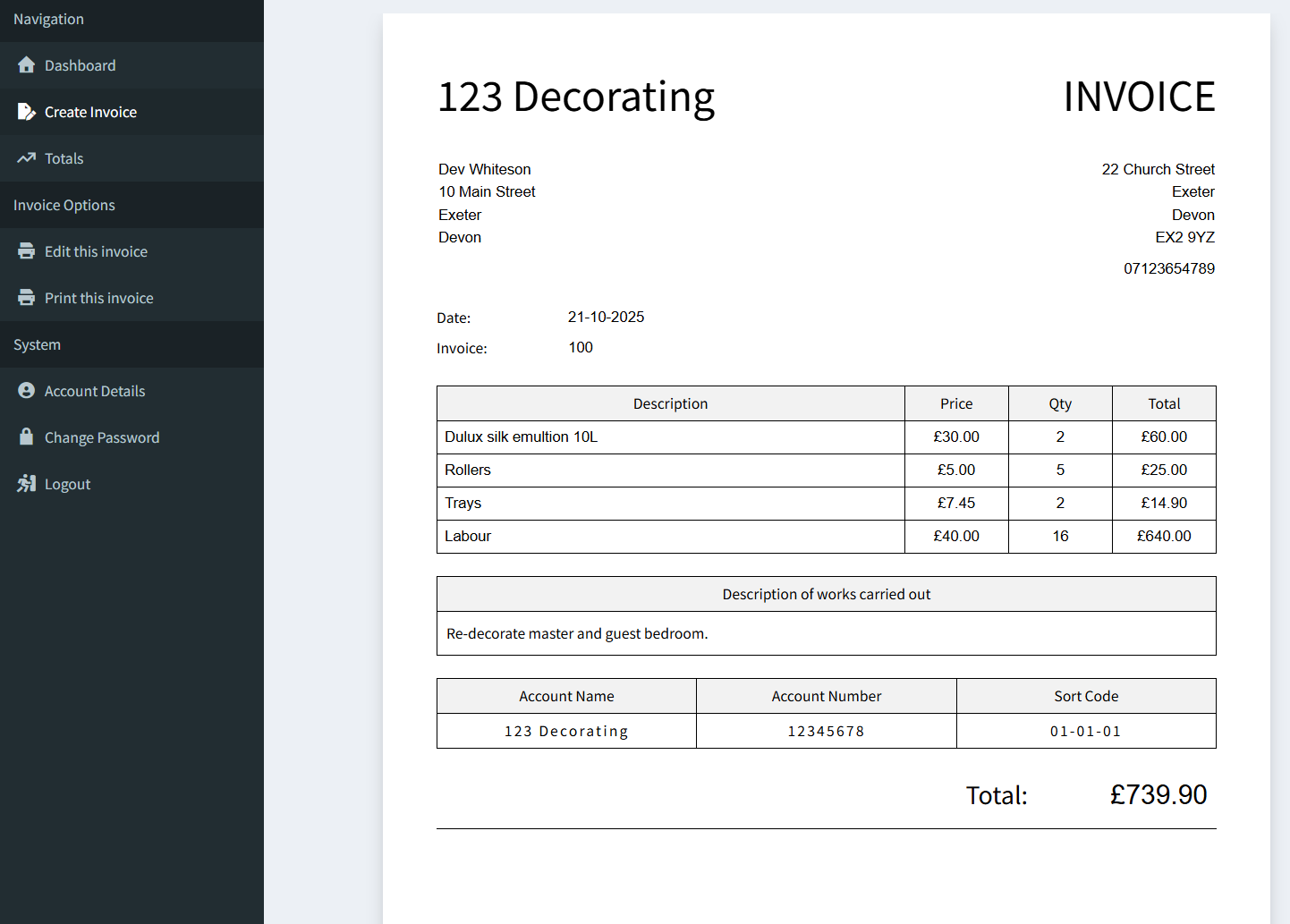
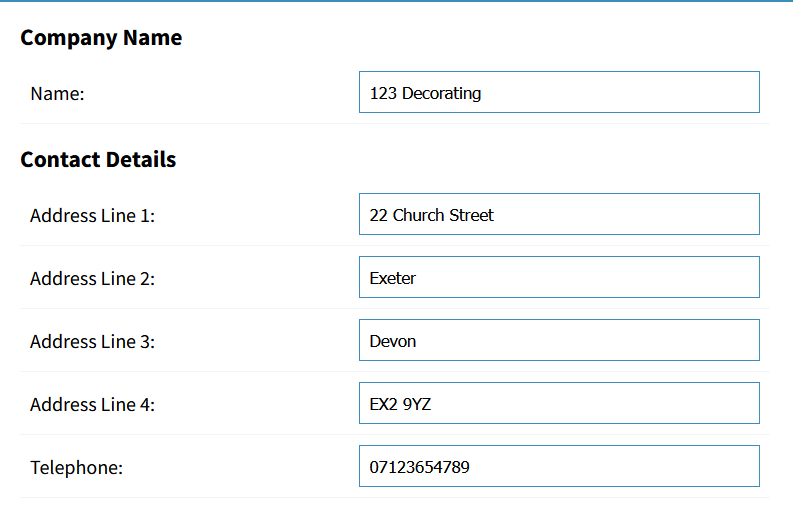
Create a professional first impression and make it easy for your client to see all your company and contact details. Using sequential invoice numbers also makes it easier to track and reconcile paperwork and payments.
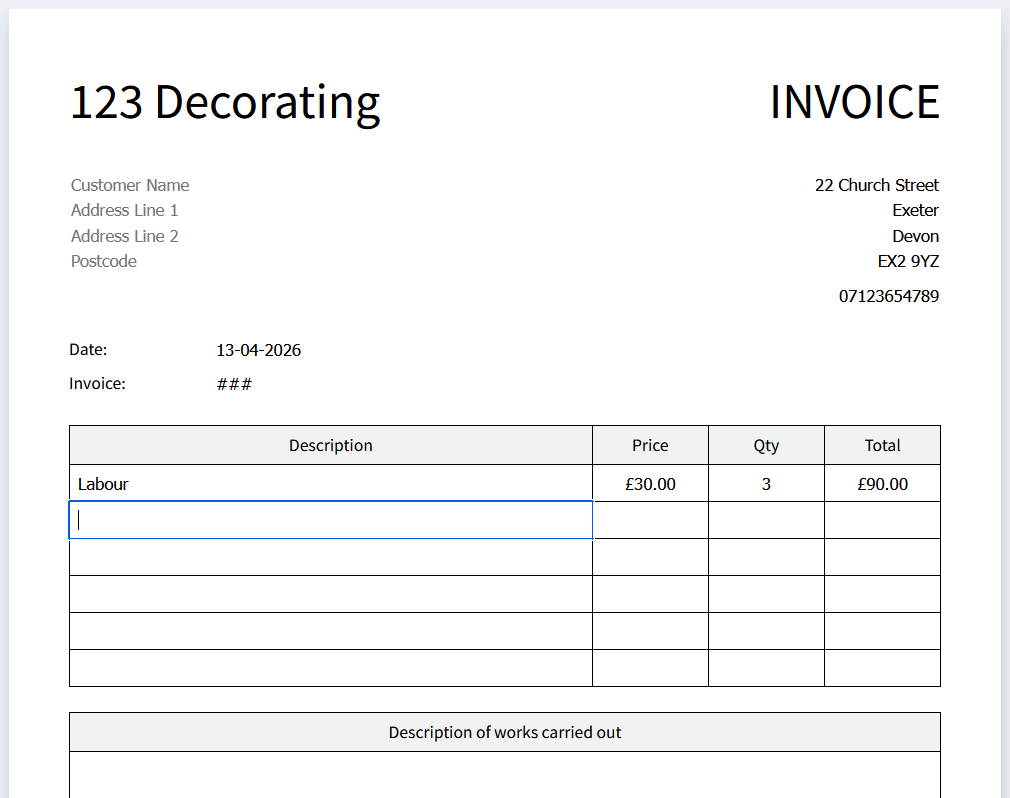
Enter all the details of the work you’re invoicing. Add line by line details of billable work, including a clear description, piece or hourly rate, and quantity.
It's as simple as that!
Take control of your invoicing with a simple, reliable system built for clarity and efficiency. Create professional invoices in seconds, store them securely, and access them anytime you need. Whether you're printing for records or sharing with clients, everything is organised in one place.
Stay on top of your finances with clear, automatic summaries. Track your income month by month, monitor your progress across the tax year, and get the insights you need without the spreadsheets. It’s invoicing made straightforward—so you can spend less time on admin and more time running your business.